Buying guide
How to choose wireless earbuds, speakers and streaming sticks
Published Aug 14, 2026 · Updated Aug 14, 2026 · Buddha Savings
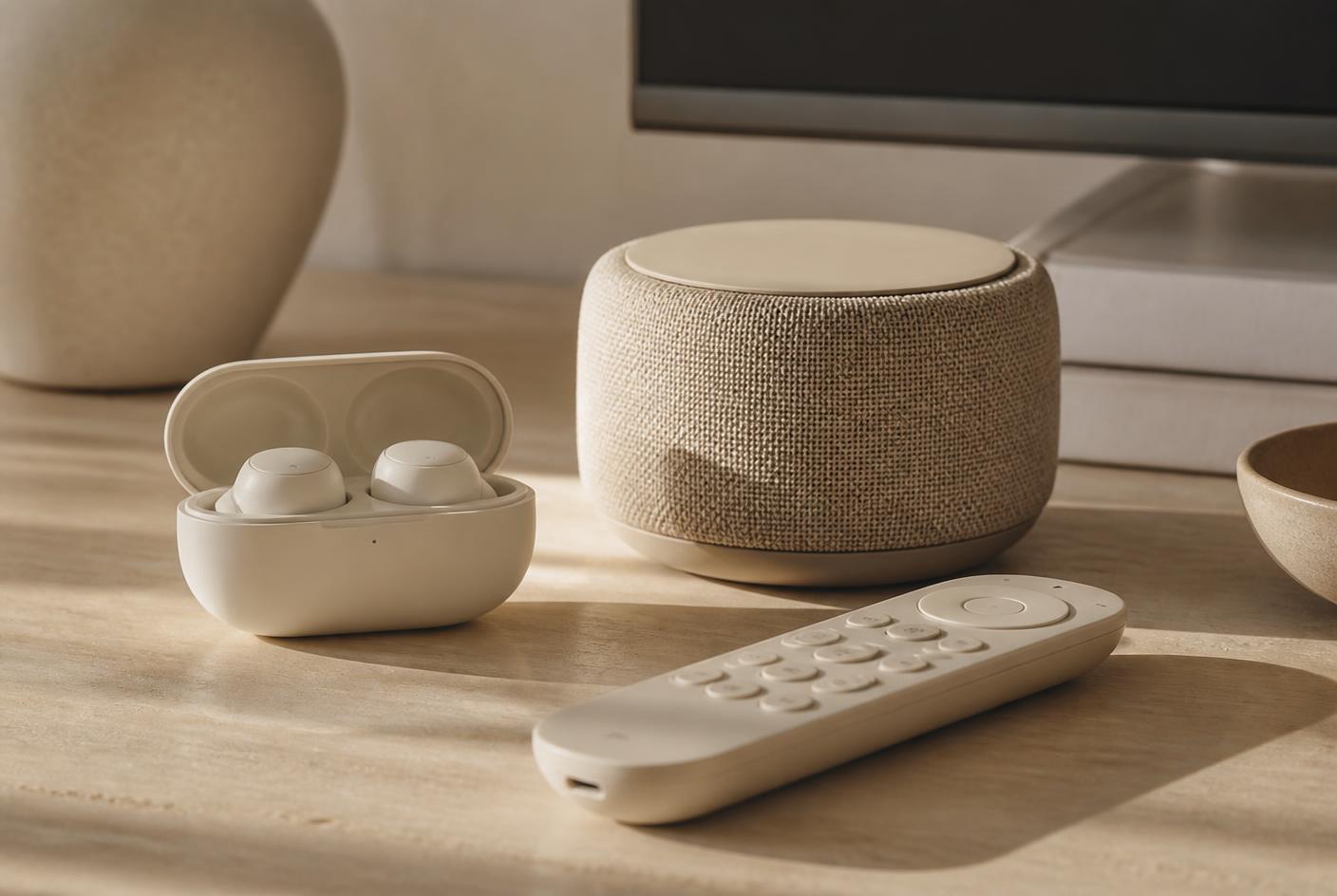
Compatibility, connectors, charging cases and battery claims — reading everyday audio and streaming listings without getting caught out.
Everyday electronics disappoint for one reason more than any other: the thing you bought does not work with the thing you already own. Our Electronics category is deliberately practical rather than flagship, and compatibility is the first thing we read.
Start with the connector and the ecosystem
- Wired earphones: confirm the plug — USB-C, Lightning and 3.5 mm are not interchangeable.
- Wireless earbuds: confirm the charging-case connector, since it decides which cable lives in your bag.
- Streaming sticks: confirm the television has a free HDMI port and, for 4K models, that the panel is actually 4K.
- Replacement remotes: confirm the exact model range the listing names, not just the brand.
Battery and runtime claims
Runtime figures on a listing are manufacturer figures measured at a fixed volume. Treat them as a comparison between models rather than a promise. For earbuds, note whether the quoted hours include the charging case or only the buds themselves — the two numbers often differ by a factor of four.
Portable speakers
For a small Bluetooth speaker, the specification worth reading is the physical size and whether it has an integrated rechargeable battery. Loudness claims are rarely comparable across brands; size and battery are.
Streaming sticks
A streaming stick is only as good as the television it plugs into and the network behind it. Check the resolution the stick supports, what the remote can control, and whether the power is drawn from a wall adapter rather than a TV USB port — the latter is a frequent source of restarts.
Common questions
Are more expensive earbuds always better?
We do not publish prices or make value judgements. Match the connector, the fit style and the case size to how you actually carry them.
Will a 4K streaming stick improve a 1080p television?
It will not add resolution the panel cannot display. Read the television specification before paying for a 4K model.
Where can I see the current picks?
The Practical Tech Picks collection lists our current everyday electronics selections.
Selected picks from this guide
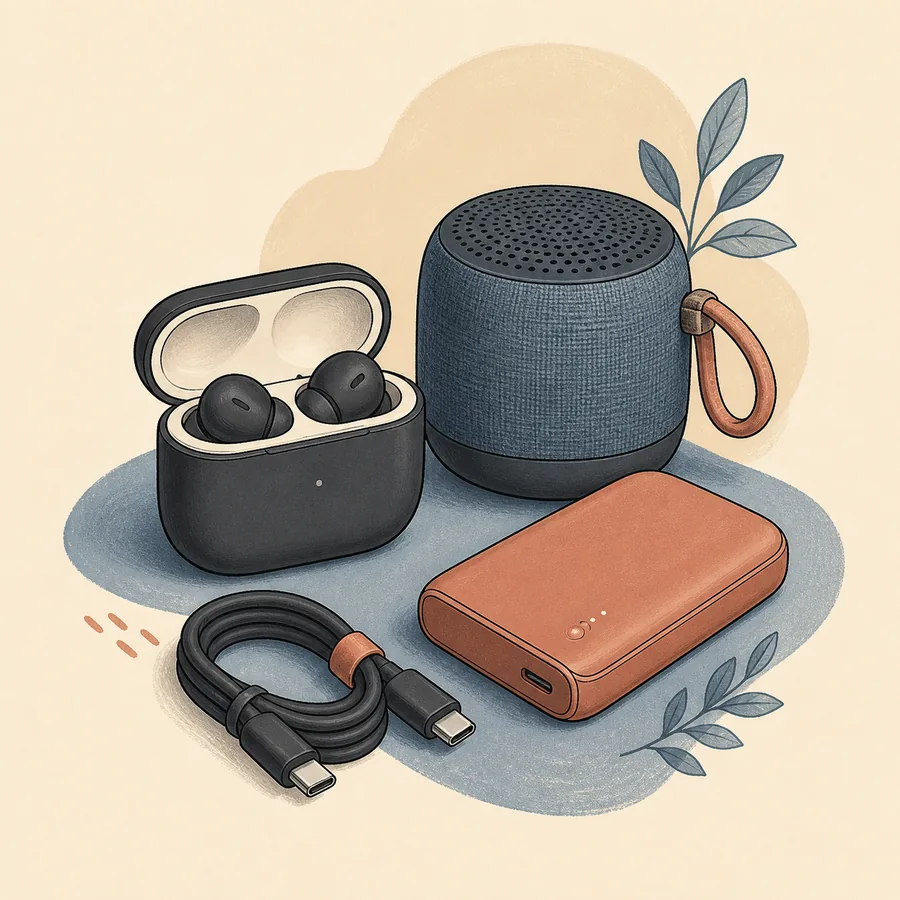
Fourth-generation Apple wireless earbuds with a USB-C charging case.
True wireless Bluetooth earbuds supplied with a compact charging case.
Wired Apple EarPods with a USB-C connector for compatible devices.
A compact Bluetooth speaker with a built-in rechargeable battery for portable listening.
An Amazon streaming stick for compatible 4K televisions, supplied with an Alexa voice remote.
A two-pack of replacement remote controls listed for compatible Samsung televisions.
Keep reading
- Smart Tech & Travel Essentials for Canadians: Practical Picks That Earn Their Place
How to judge value on Amazon.ca before you buy — streaming sticks, European plug adapters, power banks, digital luggage scales and surge-protected power bars, with the criteria behind each pick.
- How to choose an air fryer
What to read on an Amazon.ca air-fryer listing before you buy: usable capacity, footprint, basket material, cleaning, power draw and warranty.
- How to choose a power bank
Capacity ratings, watts versus milliamp-hours, ports, cables, airline rules and what an Amazon.ca power-bank listing must tell you.
As an Amazon Associate I earn from qualifying purchases.